

Build 10x products in minutes by chatting with AI - beyond just a prototype.
Topics
Do I need coding skills for these platforms?
Which platform is best for a blog with interactive elements?
Can I get a free domain for my site?
Are these platforms suitable for professional‑looking websites?
Want websites that captivate visitors without writing heavy code? This blog compares platforms for building interactive sites, highlighting key features, strengths, drawbacks, and when each tool works best today online.
How can you build dynamic, engaging sites without dealing with complex code?
Well, platforms for building interactive websites have made this easier than ever. They help people make rich experiences (think animations, pop‑ups, clickable sections) that feel alive and fun to use.
According to data , 53% of mobile users will abandon a site if it takes longer than 3 seconds to load.
We will walk through the tool's features, pros and cons, and the situations where each platform shines.
Interactive websites are no longer a nice extra. They help your visitors stay longer, click more pages, and come back again. When you add interactive elements like sliders, hover effects, forms that respond instantly, and more, users feel like they’re part of the experience. This is what separates a static page from one that feels alive.
The good news? You don’t need serious coding skills to do this. There are builders that let you create complex websites with drag-and-drop tools and lots of design options.
Here’s a quick look at the top platforms for building interactive websites. This snapshot helps you see which tools give you drag-and-drop ease, coding freedom, and interactive features at a glance.
| Platform | No Coding | Good for Interactive Features | Good for Multipage Sites | Free Plan |
|---|---|---|---|---|
| Rocket.new | Yes | Yes | Yes | Yes |
| Wix | Yes | Yes | Yes | Yes |
| Webflow | Yes | Yes | Yes | Limited |
| WordPress + Builders | Mostly | Yes | Yes | Yes (self‑hosted) |
| Framer | Yes | Yes | Yes | Yes |
This table gives a quick snapshot of what each platform offers.
While all are strong options for interactive websites, your choice depends on whether you want simplicity, design flexibility, AI‑powered building, or content management. The free plans or trials can help you test them before committing.
Before we dive into each platform, let’s take a moment to see what’s out there.
There are lots of options for building interactive websites, from beginner-friendly drag-and-drop editors to AI-powered builders like Rocket.new.
Each tool comes with its own style, workflow, and perks. Some focus on quick launch and simplicity, others on detailed design control, and a few even generate sites for you automatically. No matter what you need, interactive elements, multipage websites, or mobile-ready designs, there’s a platform that can make it happen.
Rocket.new is a vibe solutions platform that blends platforms for building interactive websites with AI. It helps users generate full sites and apps from plain descriptions and designs. Unlike traditional drag-and-drop tools, this tool can actually build the structure and logic.
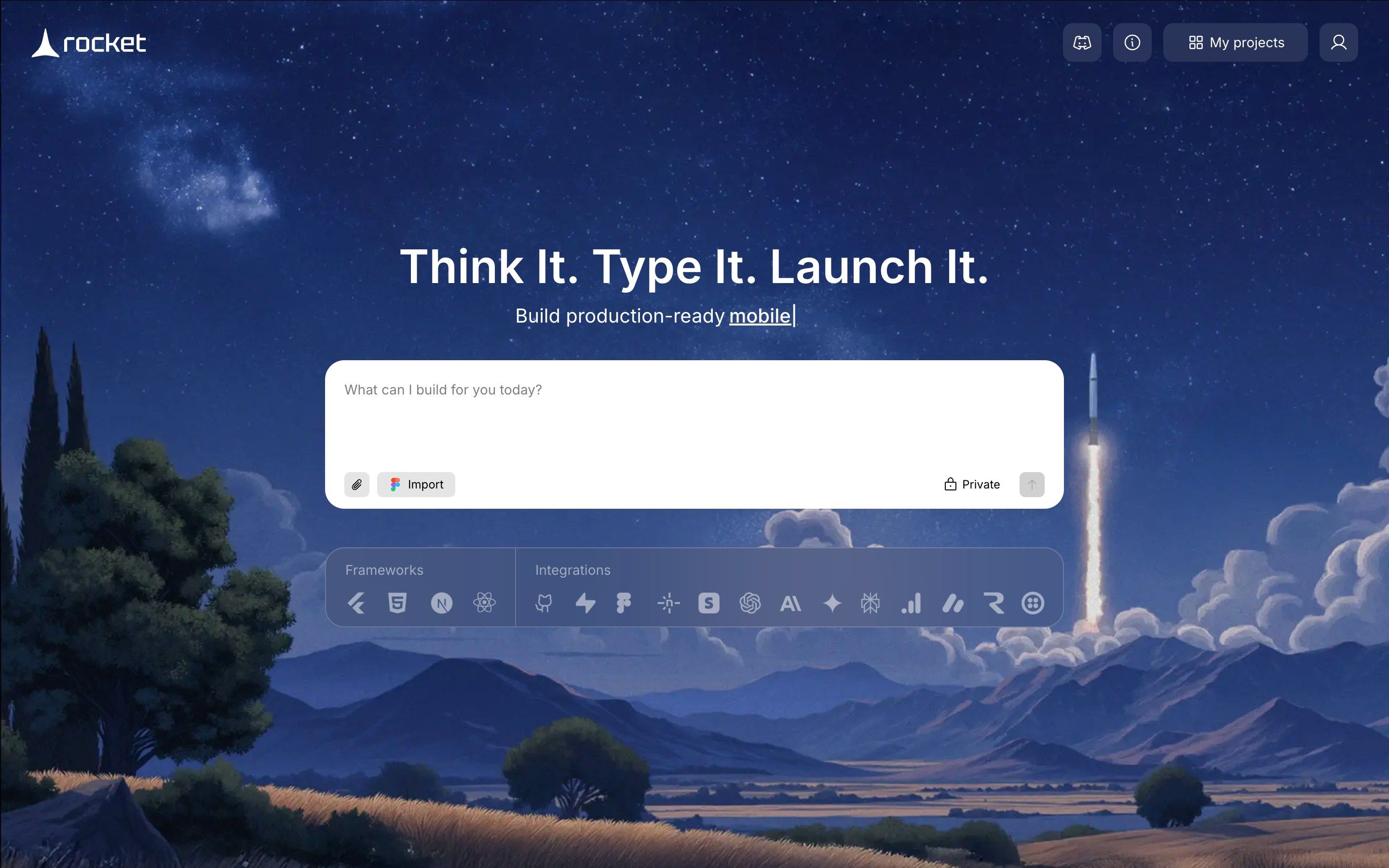
Rocket.new can take your vision and create a full site with layouts, backend, and deployment ready to go. It has templates and supports custom domain publishing and responsive design too.
Rocket.new doesn’t require coding knowledge, but it gives you deep control and speed.
For example, you can start with a concept like “build my portfolio site with a contact form and animations” and get a usable site without manually crafting every page.
Rocket.new can help you go from idea to published site fast. If you love idea‑first building and hate repetitive manual edits, its AI‑assisted flow is a refreshing take.
Best For: Users who want AI-assisted site generation, including backend and interactive elements.
Pricing: Free tier available; paid upgrades for advanced features.
Rocket.new is excellent for active explorers who want to quickly create interactive websites. It’s especially useful if you want to move from idea to live site fast, with minimal manual work.
Wix has been around for ages, and most people know it as a user friendly website builder with tons of templates and interactive features.
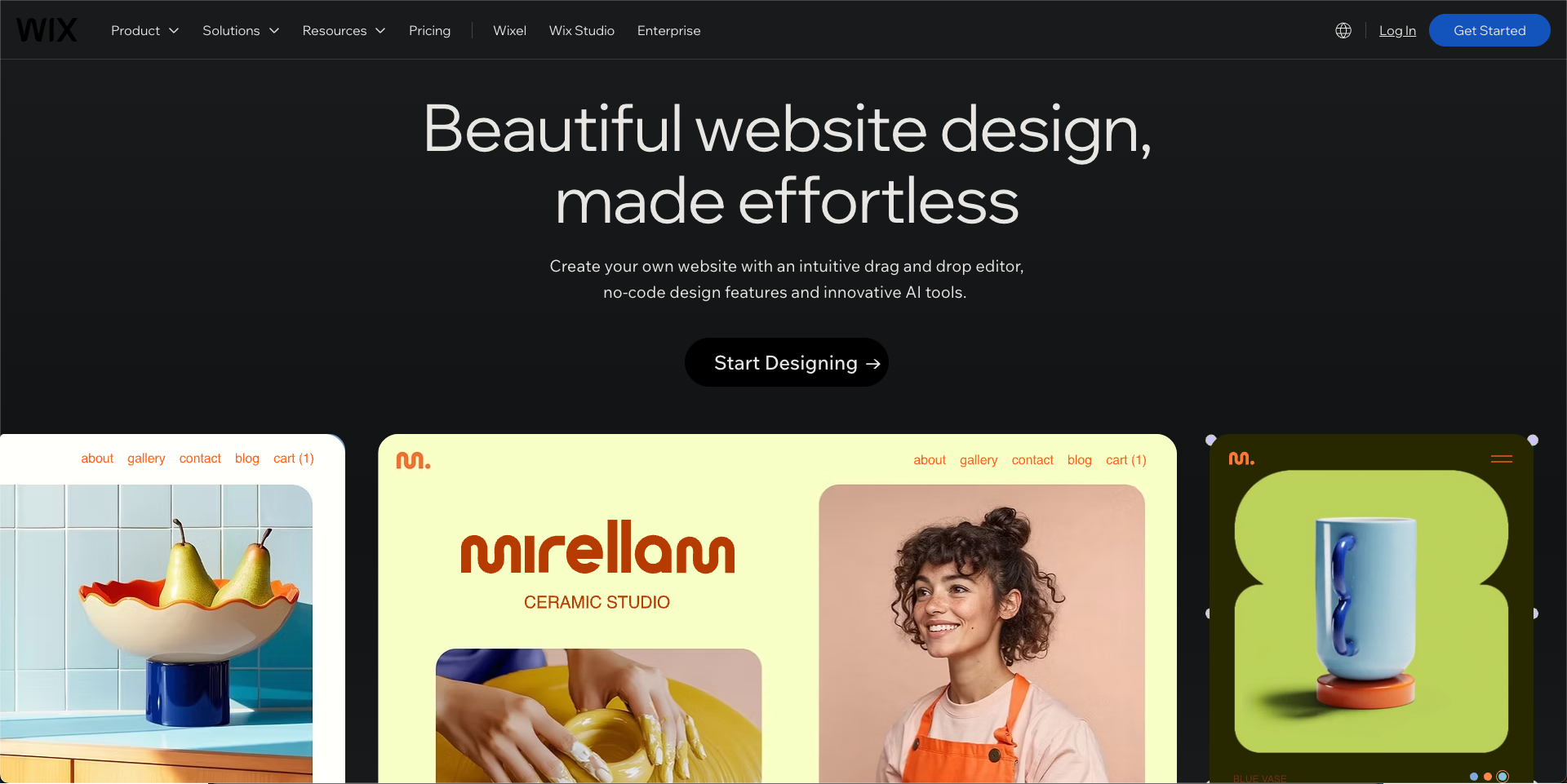
Wix’s editor makes adding buttons, galleries, and animations straightforward. You just click, drag, and edit. You don’t need coding knowledge at all.
Best For: Beginners, small businesses, or anyone who wants a quick interactive site without coding.
Pricing: Free plan available; paid plans start around $14/month for more features like custom domains and extra storage.
| Feature | Yes / No |
|---|---|
| Drag and drop | Yes |
| Requires coding | No |
| Interactive elements | Yes |
| Best for multipage websites | Yes |
| Free version available | Yes |
Wix is perfect if you want to jump in, play around, and get a professional-looking website fast. Great for portfolios, small business pages, and personal projects.
Webflow sits between a site builder and a more advanced design tool. If you want creativity and lots of control, this is a great choice.
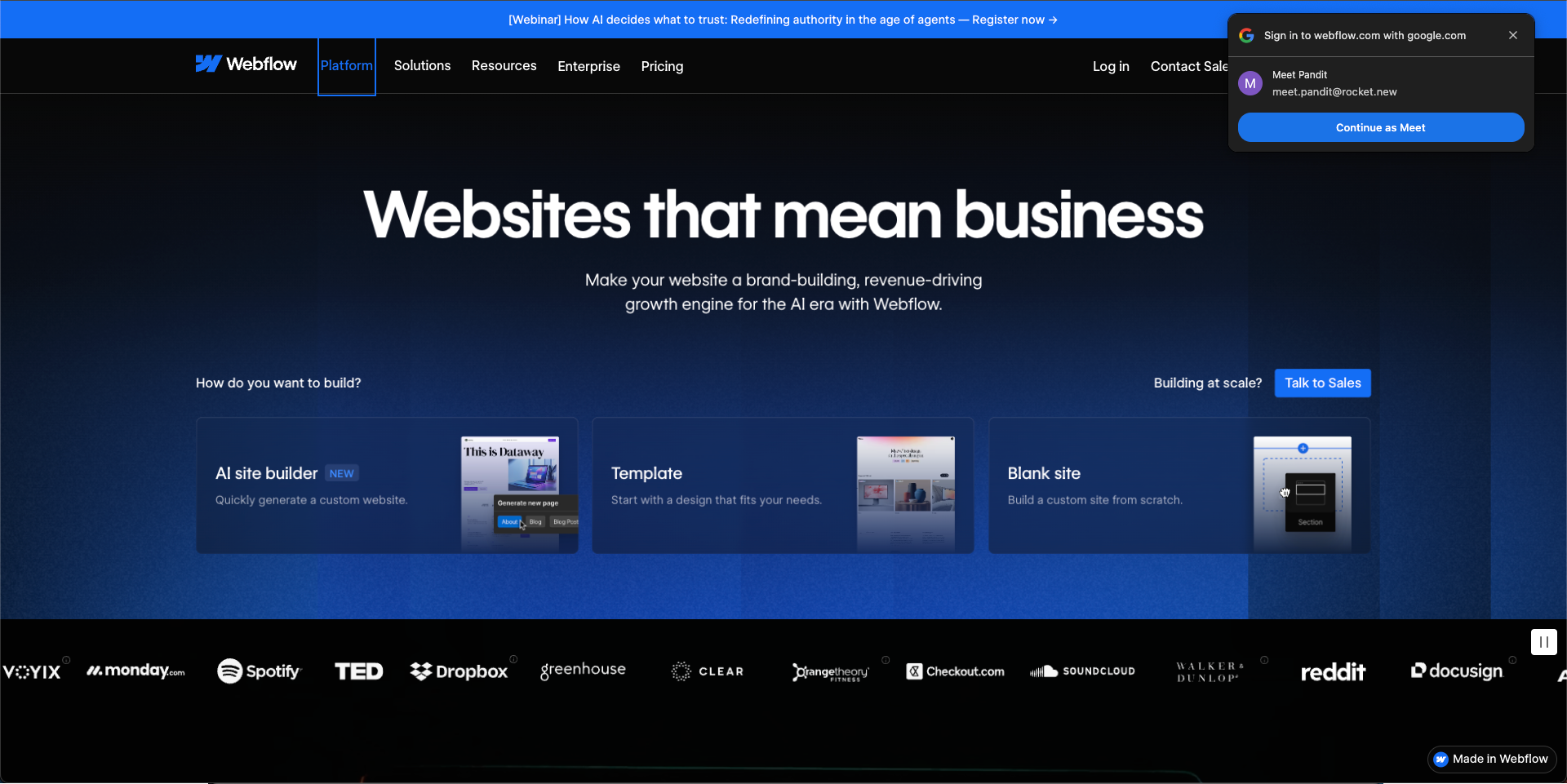
Webflow gives you a lot more design control than most drag-and-drop builders. It can feel like stepping into real web design, just without heavy coding.
Best For: Designers and creators who want detailed control over layouts, animations, and interactions.
Pricing: Free plan available; paid plans start around $14/month.
Some Redditors note that Webflow lets you play with layout and motion more than simpler builders: “Webflow should be plenty” for interactive needs like sliders, pop‑ups, and custom layouts without code.
Webflow is ideal if you care about the look, feel, and fine-tuned interaction of your site. You can create complex, interactive websites without touching code.
WordPress isn’t exactly a drag-and-drop tool out of the box, but when you pair it with builders like Elementor or WPBakery, you get a powerful platform that can build almost anything.
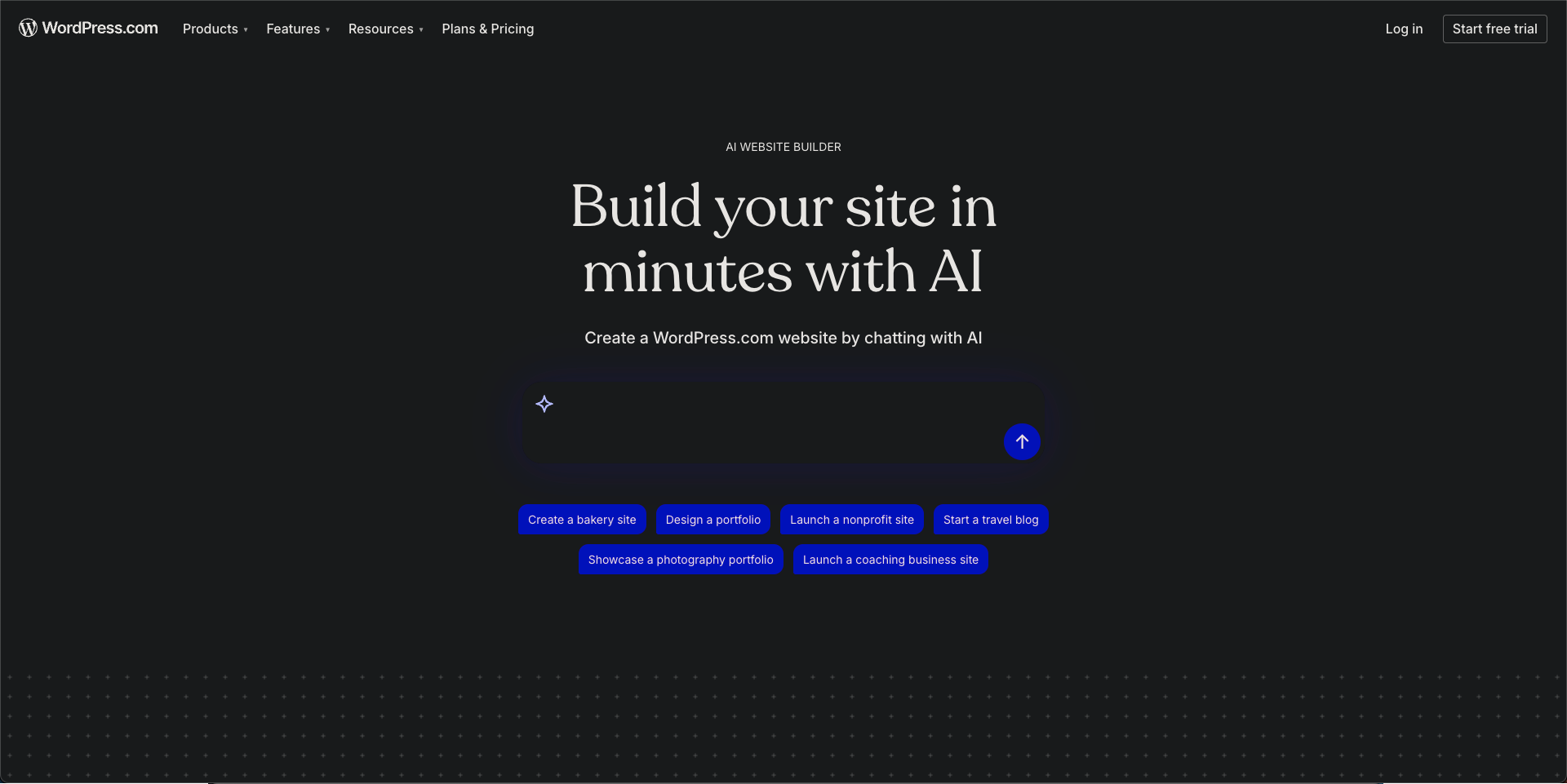
You may need to learn the basics of WordPress, but you still don’t need to write code. Plugins and page builders do most of the work.
Subscribers often mention it’s great for interactive features like pop‑ups, sliders, and animated blocks without code.
Best For: Content-heavy sites, blogs, and multi-page projects that require ongoing updates.
Pricing: Core WordPress is free; hosting varies ($5–$15/month). Page builders like Elementor or WPBakery may require paid licenses.
WordPress with a builder is a go-to for long-term, content-driven projects. You can create interactive websites while keeping your content fresh.
Framer is a newer design‑oriented builder that shines for interactive sites and prototypes. Think of it as a bridge between design tools and real websites.
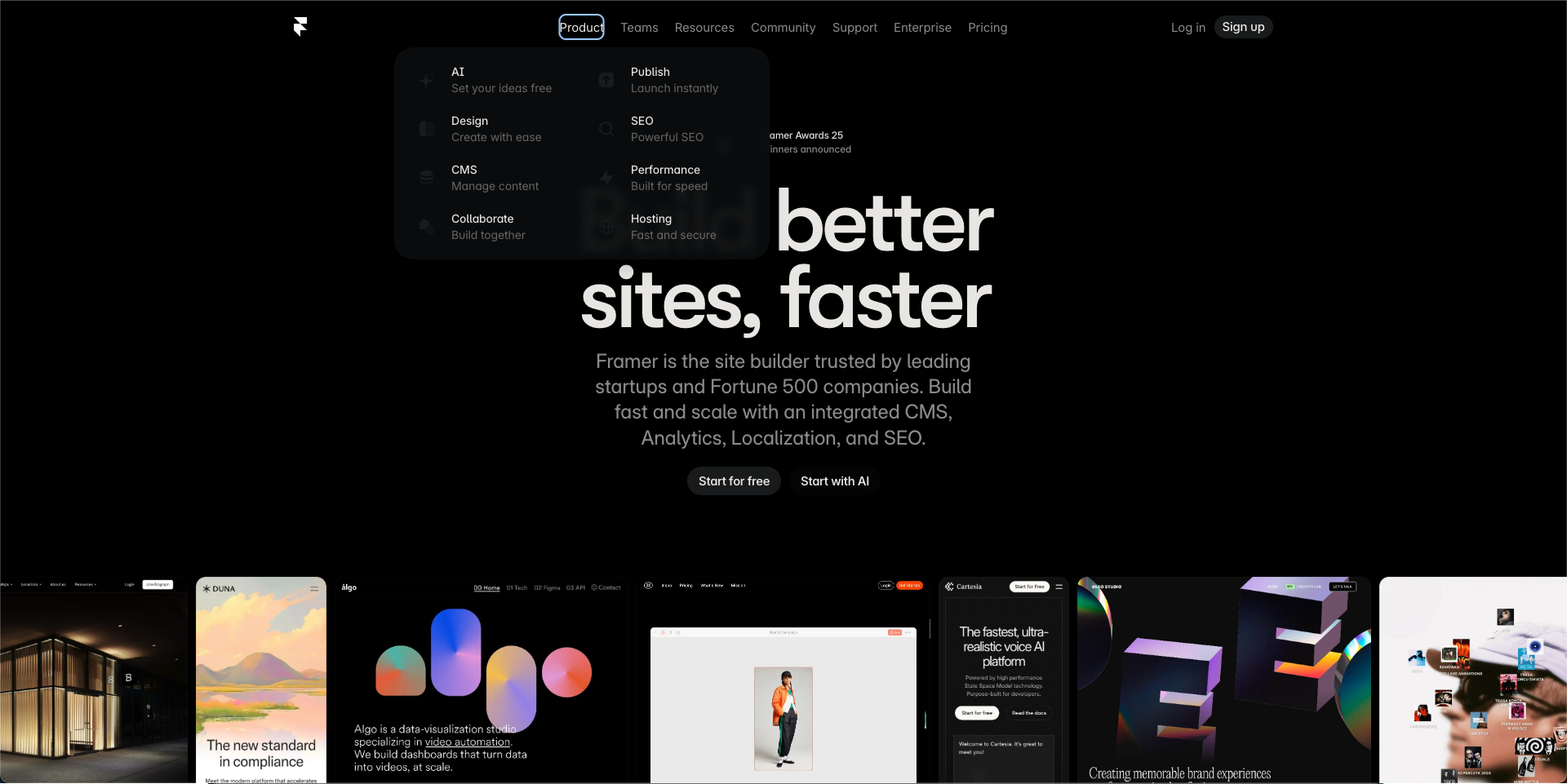
Framer lets you literally see your changes live. If you want playful interactions and layouts that don’t look like templates, Framer is worth exploring.
Best For: Creators who want motion-rich designs and highly interactive layouts.
Pricing: Free plan available; paid plans start around $15/month.
Framer is perfect for anyone who values creative freedom and wants a polished, interactive feel. It’s playful but professional.
Choosing the right platform doesn’t have to be overwhelming. Think of it as picking the tool that matches your style, your project goals, and how much time you want to spend building.
Here’s a quick way to think about it:
Each platform has its strengths, so pick one that fits your project style and workflow.
Whether you want full creative freedom, fast AI-powered building, or simple drag and drop ease, there’s a tool to bring your interactive website to life without the headache of deep coding.
Here’s what some builders and makers are saying about Rocket.new’s approach to creating interactive websites and applications:
“From ‘What If’ to working app in minutes Rocket.new isn’t just another AI tool. It outputs full, ready‑to‑launch apps, backend, UI, and integrations straight from a single prompt, which fundamentally changes how builders think about launching products.”
Post on LinkedIn
This highlights how the community values simplicity and speed, especially for non‑technical creators who want to go from idea to interactive site without heavy coding.
Making an interactive website used to mean lots of coding, but now creators have tools that are fast, fun, and easy to use. Platforms like Wix, Webflow, WordPress with page builders, Framer, and Rocket.new let you add interactive elements and even handle backend setup without deep technical knowledge.
Whether you want a simple prompt to a working app, rich design control, or AI-powered site building with Rocket.new, there’s a platform that fits your style. Pick the one that matches your workflow and project goals, and you’ll have a professional-looking website ready to go.

