
Build 10x products in minutes by chatting with AI - beyond just a prototype.
Topics
What are no-code platforms?
Why should I choose a no-code platform for messaging app development?
What are the essential features of a successful messaging app?
Which no-code platforms are best for building messaging apps?
What are some common challenges in no-code messaging app development, and how can I overcome them?
Want to build a messaging app without writing code? No-code platforms make it fast, easy, and accessible for everyone. Here’s your step-by-step guide to launching a custom app in no time.
Want to build a messaging app but don’t have coding skills? No problem. With no code platforms, you can engage in messaging app development using no code platform to develop a powerful messaging app without writing a single line of code. These platforms cater to a wide range of users, including entrepreneurs, small businesses, and large teams. This guide will show you the steps to create your own app, from choosing the right platform to designing user-friendly interfaces and adding essential features.
No-code platforms enable rapid app development, allowing non-technical users to design and launch messaging apps without coding skills.
Key features for successful messaging apps include real-time messaging, user profile customization, and secure data storage.
Selecting the right no-code platform, such as Adalo, Bubble, or Glide, is crucial and should be based on budget, required integrations, and app goals.
App development is made accessible to a wider audience with the advent of no-code platforms, which offer visual programming environments that negate the need for conventional coding expertise. These platforms grant those without technical backgrounds the ability to craft and deploy mobile applications using intuitive drag-and-drop features, thus significantly reducing technological entry hurdles. No-code platforms offer a head start with pre-designed templates and themes, enabling users to streamline the development process and focus on customization. Many no-code app builders provide templates to help users start building apps without starting from scratch, making the process even more efficient and user-friendly.
The popularity of these no-code solutions has skyrocketed because they facilitate swift prototyping and effective project management even in the absence of an extensive developer team. Many provide specific templates and ready-made components tailored for particular types of apps—such as messaging platforms—which streamline processes so ideas can be turned into reality more quickly through both low-code platform capabilities and individual coding contributions. According to a Zapier report, the no-code user base is projected to surge by 40% by 2025, highlighting the growing demand for these tools. Additionally, users can often start building with no-code platforms for free, with options to upgrade for more advanced features as needed, making them accessible to a broader audience.
Regardless of whether one aims to develop native mobile applications or responsive web apps, there exists an ideal no-code toolset designed specifically for building mobile apps that fits your project requirements perfectly.
Opting for a no code platform in the creation of messaging apps brings multiple benefits. These platforms empower swift app production without the necessity for programming expertise, allowing you to roll out your app swiftly and adapt nimbly to market demands. No code tools are designed with ease of use in mind, opening up app development possibilities to individuals ranging from experienced developers to those with no prior experience.
With no code platforms, the speed at which you can build and refine your app is unmatched. What might normally span several months can now be accomplished in an extraordinarily short period, which is pivotal for maintaining competitiveness in a dynamic market environment. Utilizing no code solutions significantly cuts costs by circumventing the need for costly developer teams and streamlining repetitive tasks – enabling more strategic allocation of resources towards user experience enhancements.
Continuous advancement and customization of your application are seamlessly supported by these no code systems. They provide agility that allows you to quickly implement updates or introduce new features that keep your application relevant and captivating for users. This adaptability merges with improved personalized interaction offered by such platforms, making them particularly suited choices when developing messaging applications.
To develop a thriving messaging application, several core functionalities are crucial. Immediate communication among users is facilitated by real-time messaging, which bolsters user engagement significantly. Custom notifications play a critical role in keeping users up to date with new messages and motivating them to remain engaged.
The ability for users to tailor their profiles enhances personal satisfaction and allows for greater individual expression within the app. The integration capabilities that enable swift connection with existing contacts greatly augment ease of use and convenience.
Securing user data through cloud storage and backup is imperative. It guarantees safety and accessibility across multiple devices, which is key in preserving trustworthiness and loyalty from users.
Selecting an appropriate no-code code platform is essential for the triumph of your messaging application. Factors such as financial considerations, required integrations, level of customization you seek, and objectives for your app ought to influence your choice.
Three prominent platforms that particularly shine in various aspects of app development are Adalo, Bubble, and Glide.
Just type your idea and within minutes you will ship the first version of your website for your business.
Supports:
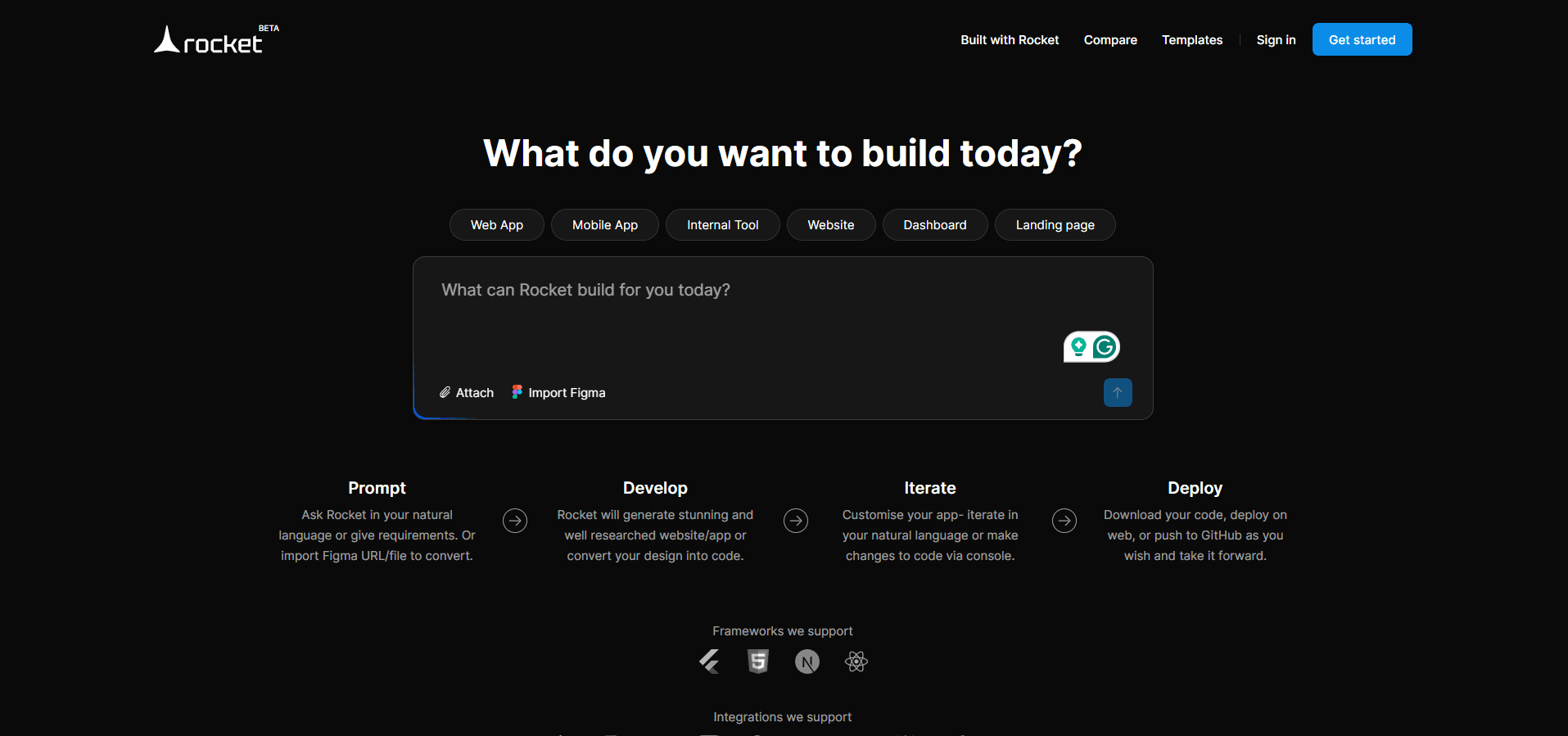
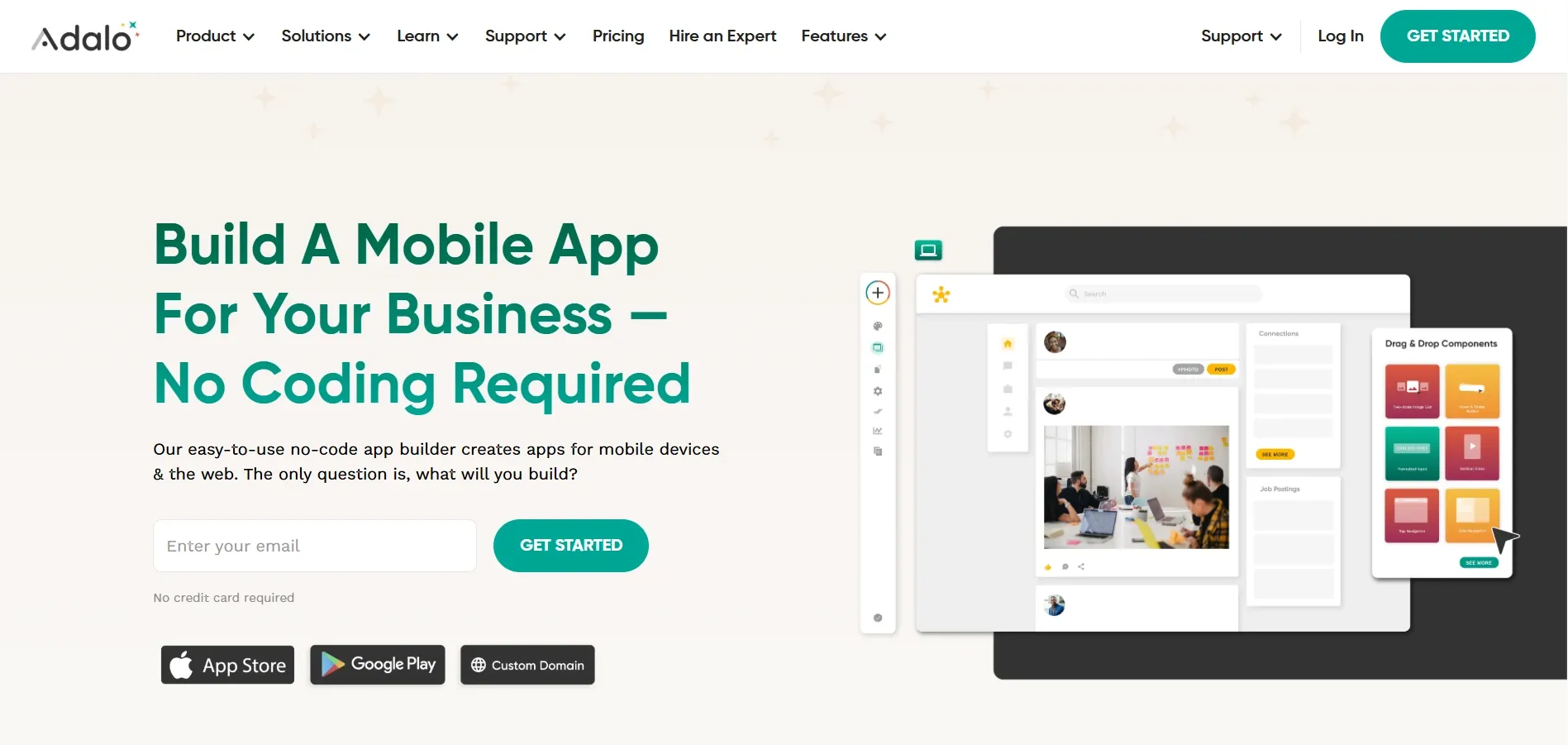
Adalo simplifies the app creation process with its straightforward drag-and-drop functionality, enabling individuals without any coding skills to develop mobile applications effortlessly. Its easy-to-use interface streamlines the development journey, empowering you to transform your innovative app ideas into reality. By utilizing Adalo’s comprehensive database and customizable options for interactivity and logic, anyone can craft a compelling messaging application that engages users. Adalo empowers users to create native mobile applications with integrated databases, ensuring robust functionality and seamless user experiences. You can publish your app to the public through an Adalo subdomain, a custom domain, or to one of the app stores, ensuring broad accessibility. Furthermore, platforms like CodeConductor provide complete source code access through GitLab, offering additional flexibility for developers who wish to customize their applications further.
One of the key attributes of Adalo is its capability to launch your finished product straight onto major platforms such as the Apple App Store or Google Play, To deploying responsive web apps on the internet. This streamlined publication method ensures swift exposure of your app across various audiences. Whether you aim for native mobile applications or web-based solutions adaptable across devices, Adalo equips you with all necessary resources to conquer diverse app stores successfully.
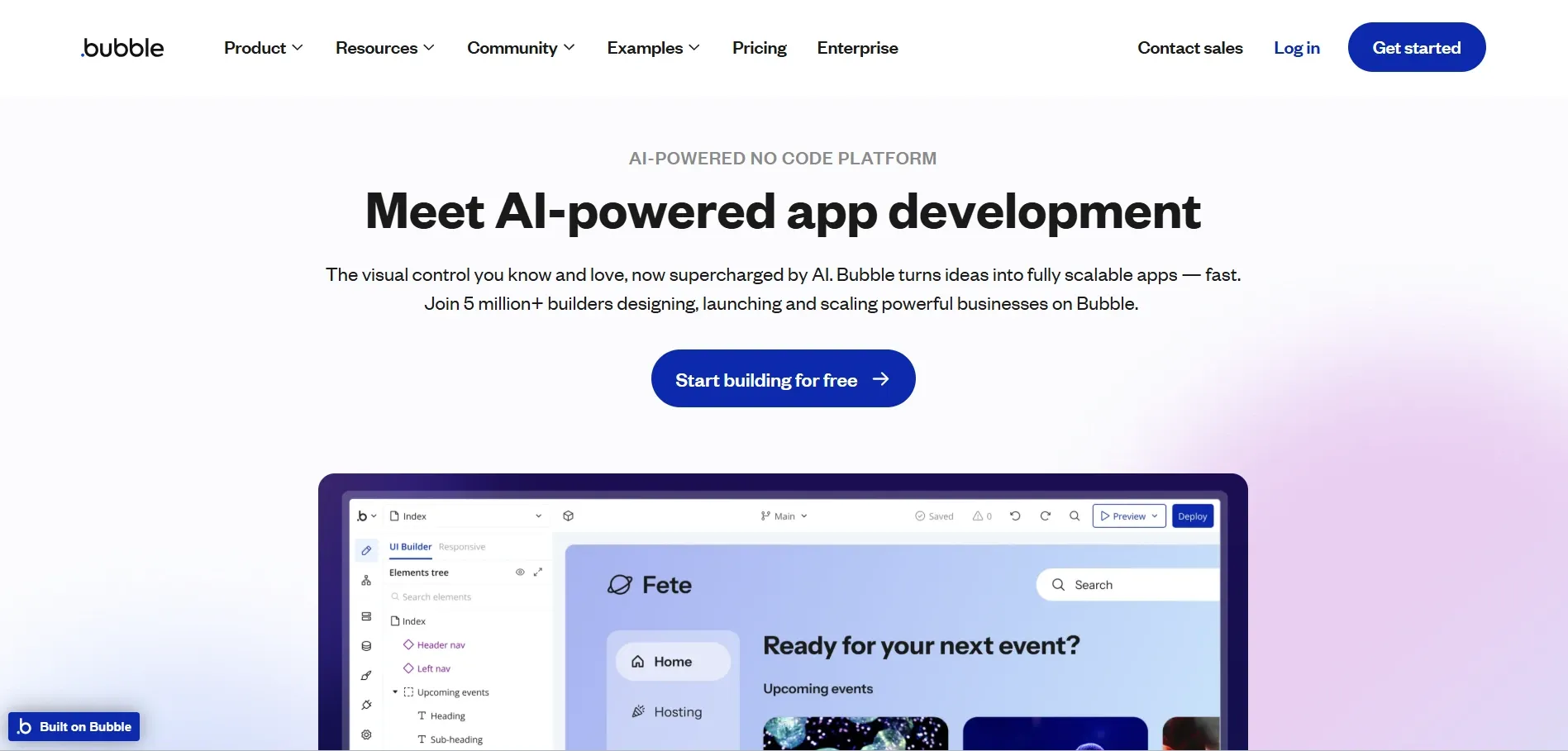
Bubble stands out as a potent no-code app development platform, renowned for its comprehensive customization capabilities and intuitive visual app builder. It enables the construction of apps with an array of tailor-made components, offering significant design flexibility. Bubble is particularly adept at handling complex app projects that demand high levels of robustness and scalability. For instance, the name Slack, a popular messaging app, stands for ‘Searchable Log of All Communication and Knowledge,' showcasing the potential of such platforms to create impactful and meaningful applications. Slack emerged from its beta testing phase in 2013 and was publicly released in February 2014, demonstrating the rapid development and deployment capabilities of innovative platforms.
Beyond merely facilitating basic application assembly, this powerful platform empowers users to incorporate advanced features and functionalities without requiring any traditional coding knowledge. Through Bubble, it’s possible to craft intricate messaging apps with capabilities on par with those built using conventional code platforms—even matching the sophistication of a coded app available today.
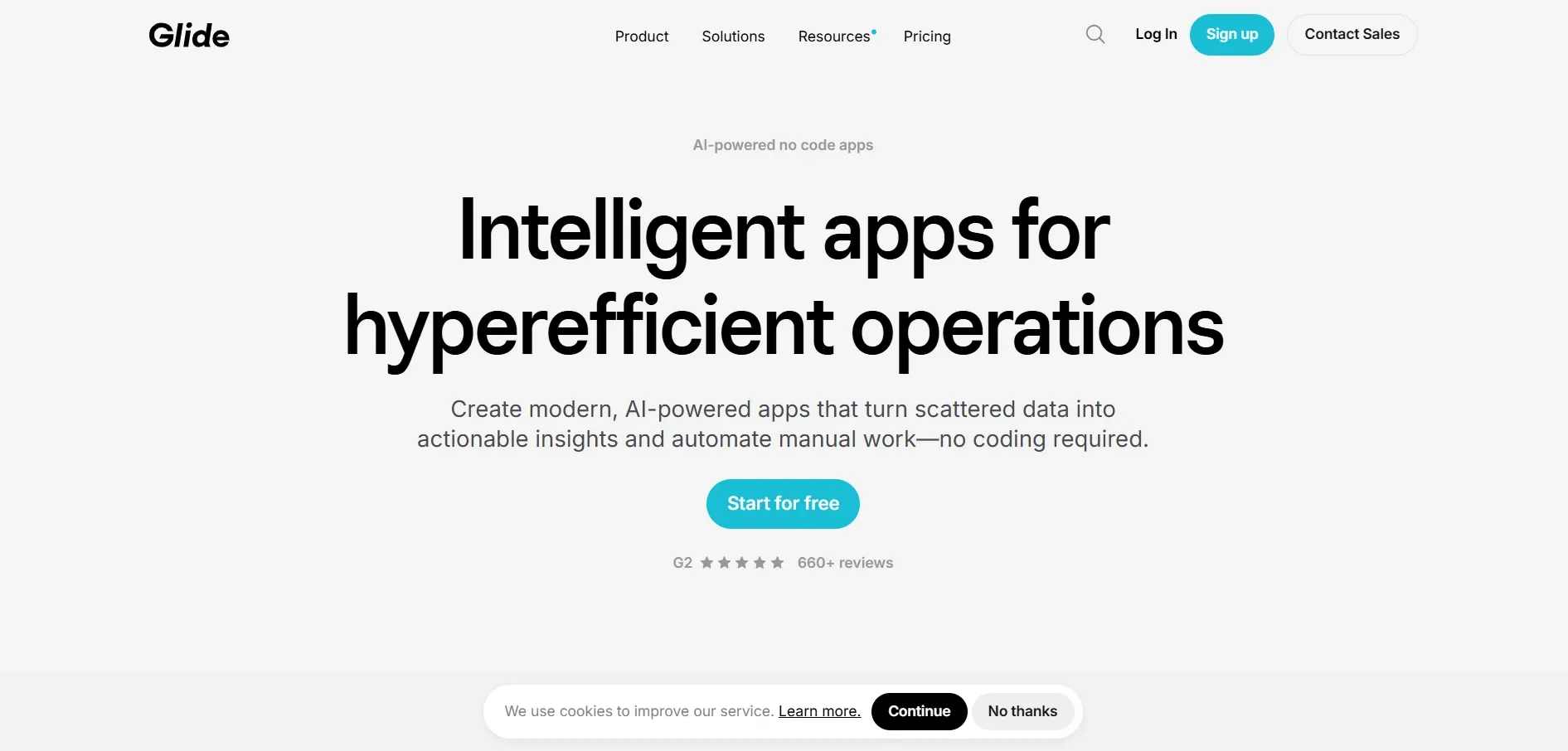
Using a straightforward drag and drop interface, Glide turns spreadsheet information into practical mobile apps. This method is particularly efficient for quickly crafting simple messaging applications. By integrating with Google Sheets, Glide enables the use of pre-existing data, marking it as a pivotal tool for users inclined towards familiar platforms.
Glide simplifies the app creation journey through its drag and drop capabilities coupled with intelligent recommendations, facilitating the development and launch of mobile applications without much hassle. Regardless of whether you’re aiming to build an uncomplicated messaging platform or a sophisticated app, Glide provides the necessary resources to commence your project.
To develop a messaging app using no code platforms, it’s important to adhere to a series of essential steps, starting with the initial planning phase and culminating in the final rollout. Employing an organized methodology facilitates an efficient project management development procedure and guarantees that the launch of your built apps is successful.
Below you’ll find a detailed guide designed to assist you throughout this process.
Commencing the process of app development requires meticulous planning. During this initial phase, delineating the fundamental features is vital as it not only simplifies the developmental path but also concentrates work on indispensable functions. For instance, when developing a messaging app, pivotal elements such as instantaneous messaging capabilities, user authentication protocols and personalized notification options should be considered.
It is equally important to establish who your intended audience will be and grasp what they seek from your application. Pinpointing key demographics along with their inclinations allows for crafting a user experience tailored specifically to their expectations. Adopting this focused strategy promotes both the triumph of your application and gratification amongst its users.
A user-friendly interface is essential for a successful mobile app. Focus on visual elements like colors, layout, and navigation to create an intuitive user experience. Using no-code platforms with visual design capabilities simplifies the user interface creation process.
No-code tools with drag-and-drop interfaces allow you to craft visually appealing designs as a visual designer without coding skills. These development tools enable non-developers to create user-friendly interfaces, making the software development app development process more accessible and efficient.
In the development of a messaging app, it’s crucial to incorporate key features such as user authentication, instant messaging capabilities, and push notifications. These core functionalities significantly improve the user experience and are fundamental for the success of your application.
By implementing user authentication mechanisms with options for social media sign-ins, you elevate both security measures and personalization aspects within the app. Tailorable push notifications play an essential role in notifying users about incoming messages which helps maintain their engagement and activity on the platform.
Prior to launching your app, it is imperative to conduct exhaustive testing. This rigorous process uncovers and addresses any defects or glitches in user experience, guaranteeing that the app operates flawlessly across a range of complex logic scenarios. Ensuring this level of refinement is vital for presenting a sleek and reliable application.
Following thorough testing, make sure to release your app on diverse platforms including Apple’s App Store and the Google Play Store. The distribution of your app across these multiple outlets secures its availability to an expansive user base, thereby enhancing the likelihood of its successful adoption.
By tailoring your messaging app, you can create an engaging and distinctive user experience. By weaving in brand-specific elements such as logos, color schemes, and themes, your custom apps will shine with a personal touch. The availability of both dark and light modes accommodates users’ visual preferences while enhancing the appeal and ease-of-use of the application. Crafting custom applications bolsters functionality, leading to greater user contentment. Additionally, you can monetize your app through advertising space, as platforms like AppMachine provide this capability, offering developers an opportunity to generate revenue while enhancing user engagement.
Incorporating capabilities for voice and video calls addresses the dynamic communication needs of users who seek more than just text-based interactions. Compatibility with different file types enables effortless sharing of multimedia content among users, which elevates functionality as well as engagement within the app.
Implementing security measures like end-to-end encryption alongside multi-factor authentication secures critical user information against potential breaches. Strong security protocols are imperative to establish trustworthiness among users, which is essential for maintaining enduring success in a competitive market environment.
Integrating third-party apps enhances your app’s features and functionality. Analytics tools track user behavior and provide insights to improve the app experience over time. Using APIs from third-party providers allows you to add advanced features without developing them from scratch.
Managing third-party service failures is crucial to maintain app reliability. Circuit breakers and exponential backoff strategies handle API failures and prevent cascading issues. Monitoring API interactions and securing API keys ensure integration reliability and security.
Enhancing the performance of your messaging application to accommodate a growing base of users and an upsurge in message traffic is crucial. No code platforms empower this by providing capabilities for immediate data analysis, which paves the way for rapid and well-informed decision-making that can significantly increase productivity. Automating repetitive tasks with no-code streamlines business workflows, further improving efficiency. Implementing dynamic routing serves to improve the efficiency of how messages are delivered, optimizing paths especially during peak periods, thus cutting down on expenses.
Ensuring that pressing messages receive priority delivers them swiftly and reliably, leading to an improved experience for users. Adopting local numbers for senders when dispatching messages over different regions also builds trust while simultaneously reducing associated costs.
Numerous messaging apps of considerable success have been crafted utilizing no code platforms such as Adalo, Bubble, and Glide. The drag-and-drop capabilities offered by Adalo along with its robust functionalities, simplify the process for users to craft bespoke mobile applications. Meanwhile, Bubble provides deep customization possibilities suited for intricate app development endeavors. Conversely, Glide facilitates the rapid conversion of spreadsheet information into operational mobile apps.
Non-technical individuals are endowed with the capability to actualize their own app concepts promptly and proficiently through these platforms. Entrepreneurs can harness no-code tools to rapidly iterate and modify their products, accelerating the introduction of novel messaging solutions into the market without necessitating substantial coding expertise. Creating an app like Slack boosts productivity and fosters a culture of seamless connectivity, making it an invaluable tool for modern businesses.
When you embark on the creation of a messaging app via no-code platforms, certain difficulties may arise. These hurdles often include the inability to easily incorporate unique functions not natively supported by the platform. As one nears completion in the mobile app development process, it is common to encounter obstacles that might necessitate intervention from skilled developers.
Prior to introducing your application on venues such as the Google Play Store, rigorously examining its performance and safeguarding measures against vulnerabilities is crucial. Detailed testing enables you to discover and remedy any technical glitches or issues with user experience so that your mobile app operates seamlessly upon release.
Inviting user input at an early stage when shaping your application can significantly contribute to crafting an interface that is both intuitive for users and friendly in navigation. This approach places emphasis on delivering a more refined end product, tailored effectively based on consumer insights.
The transformation of the app development arena by no code platforms has democratized the creation process, allowing anyone to build apps. With this guide’s steps, you can develop a compelling messaging application that satisfies user demands and differentiates itself in the competitive landscape. Seize the potential of no code app development to realize your app ideas with simplicity and expediency.