
Production-ready workflow apps in minutes
Can I use workflow automation without technical skills?
How do AI agents fit into workflows?
Are free plans enough for a business?
How do I prevent data silos?
What makes a workflow app builder the right choice for managing connected tasks? It helps bring scattered processes together into a smooth flow while reducing manual work. With AI and no-code options, you can achieve faster setups and smarter automation in 2025.
Let’s be real. Building apps and setting up workflows used to feel like a never-ending task. Hours of manual data entry. Endless back-and-forth between tools.
Now? Things are different. A workflow app builder gives you speed, flexibility, and smarter ways to connect your business.
Here’s a quick thought: if your workflows are already spread across apps, how do you keep everything moving in one flow without breaking things apart?
That’s what we’re unpacking here. Let’s talk about how AI, no-code, and smarter automation can make your work life smoother in 2025.
Workflow automation is not just about saving time; it's also about enhancing productivity. It’s about freeing your team from mundane tasks so they can focus on what truly matters.
Why teams care about workflow automation now:
Accuracy matters: When workflows cut out manual data entry, mistakes drop dramatically. Clean data means better reports, sharper insights, and fewer headaches down the road. Accuracy is the foundation for smart business moves.
Everyone in sync: No more confusion about which version of the file is the “real” one. With workflows keeping everything updated in real-time, every team member sees the same information. That alone saves countless back-and-forth messages.
Faster pace: Repetitive tasks no longer drag your projects. From sending follow-ups to syncing databases, automation finishes jobs with just a few clicks. It keeps work moving without waiting for someone to push buttons.
Smarter systems: AI agents aren’t just fancy add-ons anymore. They can write concise updates, analyze data, and even provide guidance when your team needs direction. It’s like having a built-in assistant that scales with your workload.
Workflow automation isn’t about replacing your team. It’s about giving them freedom. Freedom from repetitive tasks, freedom from chasing updates, and freedom to focus on the kind of work that sparks real progress.
A workflow builder in 2025 is akin to a Swiss Army knife for automation. You don’t just drag blocks around. You connect apps, data, and people into one platform.
Here’s what you usually get:
Pre built templates: Think of them as ready-to-go blueprints. Instead of starting from scratch, you pick a template, tweak it, and get your workflow running in minutes. It’s the fastest way to kick off projects without wasting time.
Custom apps: Not every business works the same. That’s why custom apps matter. You can create the exact app you need in just a few clicks, whether it’s for tracking projects, syncing customer info, or handling data.
AI agent support: AI agents are like extra teammates who never log off. They use ai models to write quick updates, process customer insights, and even keep communication flowing across the team..
Google sheets and databases: Workflows don’t live in isolation. They sync data across spreadsheets and databases so your information is always fresh. No messy duplicates. No second-guessing which file is the latest.
Control and security: With more automation comes responsibility. You still need control. Workflow builders let you manage access, monitor status, and handle api keys without stress. Security stays tight, but without making it complicated.
In short, today’s workflow builder is incredibly powerful yet simple to handle. It strips away coding required and adds the kind of intelligence that makes everyday operations smoother.
This diagram shows one entry point: new data arrives in Google Sheets. From there, an AI agent reads the row, the workflow builder runs the automation, the team receives a Slack notification, and the database is updated. It maps the full loop so you can spot where data might slip away.
Your data flows like water. Sheets feed the AI agent. The builder automates the process. Slack keeps the team informed. The database stays updated. No gaps. No data silos.
Most platforms offer a free plan to get started. Perfect for testing small workflows. Think of it as a “trial ride” before you hit the highway.
| Plan Type | What You Get | Notes |
|---|---|---|
| Free plan | Limited workflows, pre built templates, basic support | Great for trying things out |
| Paid plans | Advanced ai models, more database options, better support | Paid plans start at mid-tier pricing, check the site for details |
At the end of the day, it’s not about free vs paid ,it’s about how fast you want to move. Start light, and when things click, upgrade to maintain the momentum.
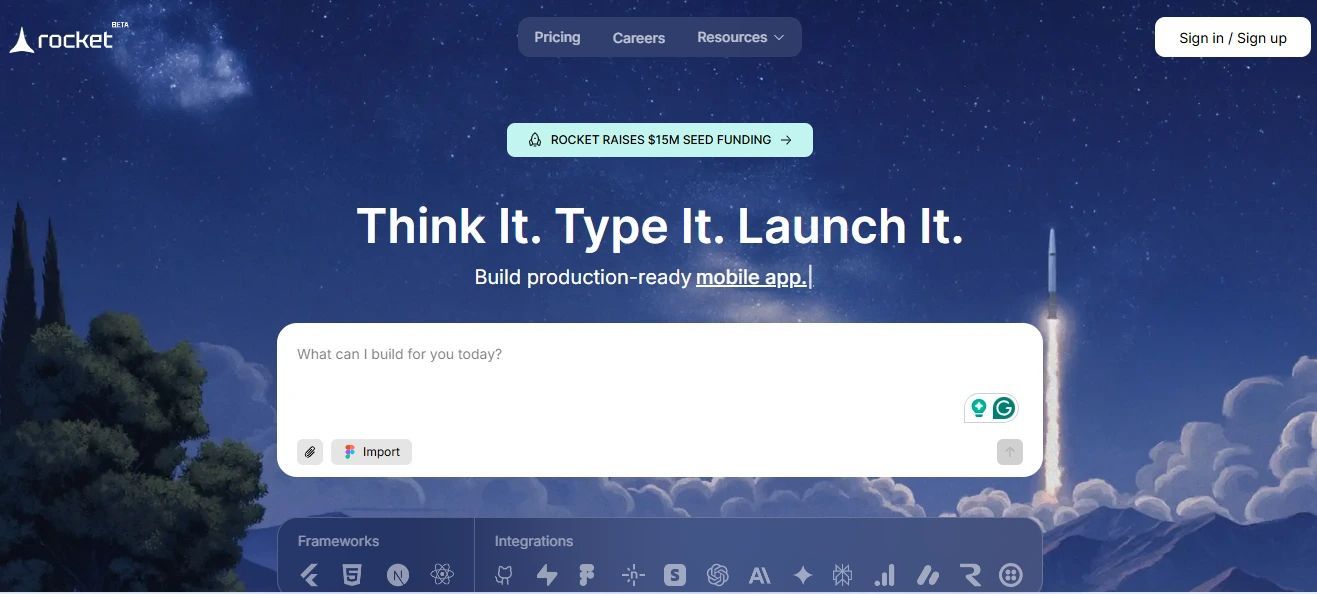
No coding. No fuss. With Rocket.new , you can spin up apps in just a few clicks. Drop in AI agents, plug in your favorite tools, and let your workflows run the show. It’s app building that feels less like work and more like hitting the launch button.
This is where things get fun. AI is no longer just adding AI features slapped onto tools. It’s becoming the brain of workflows.
What AI does in automation today:
Ai powered writing:Need a quick reply for a customer or a short summary of a project? AI handles it in seconds. It saves time and keeps your messages consistent, without requiring you to type a single line.
Customer insights:Buried in your data are trends and patterns that can inform decisions. AI identifies these automatically, providing your team with actionable insights without hours of manual analysis.
AI agents: Think of them as teammates who never sleep. They handle communication, track project flow, and even guide decisions. Your team can focus on creative work while AI keeps the operational wheels turning.
Large language models: These are the heavy lifters behind intelligent workflows. They read, write, and act on data, making automation incredibly powerful even for complex processes.
AI doesn’t replace your team; it complements them. By automating repetitive tasks and transforming raw data into actionable insights, AI enables your workflows to run more smoothly, efficiently, and intelligently, allowing your team to focus on what truly matters.
Workflow app builders make it easier for teams to automate tasks, sync data, and stay in control of processes. You can see real-world examples and community discussions on their impact in this Reddit thread about Workflow and Process Builder in Salesforce.
Before diving into automation, it helps to have a clear game plan. These tips serve as a roadmap for teams to get started smoothly, avoid common pitfalls, and maximize the benefits of workflow automation from day one.
Tips that make a difference:
Connect systems early : Link your tools, databases, and spreadsheets from the start. This keeps data flowing smoothly and prevents gaps later.
Use templates : Pre built templates let you launch workflows in minutes. It’s an easy way to see results fast and build momentum..
Track status : Keep an eye on progress. Regular status checks make sure nothing slips through the cracks and give your team confidence that everything’s on track.
Integrate seamlessly : Make your apps talk to each other. When tools connect naturally, your workflows run without manual intervention.
Keep security in mind : Not everyone needs access to everything. Set permissions wisely to ensure data remains secure and only authorized individuals have access to sensitive information.
The key is simple: start smart, stay organized, and let your workflows grow with your team. Small steps now make big wins later.
Workflows should make life easier, not harder. Whether it’s cutting manual data entry, syncing customer insights, or adding an AI agent to handle tasks, the right builder gives you speed and control.
In 2025, a workflow app builder isn’t just helpful. It’s the way to boost productivity, build apps fast, and keep your team in one flow.